Why I Actually Picked This Up
You’re standing in your driveway at 7:15 AM, coffee getting cold on the roof of your car, digging through your bag for the third time because your keys have vanished again. That exact scenario pushed me toward AirTags, but then came the next problem: how do you actually attach one of these slippery little discs to your keychain without it falling off in a parking lot somewhere?
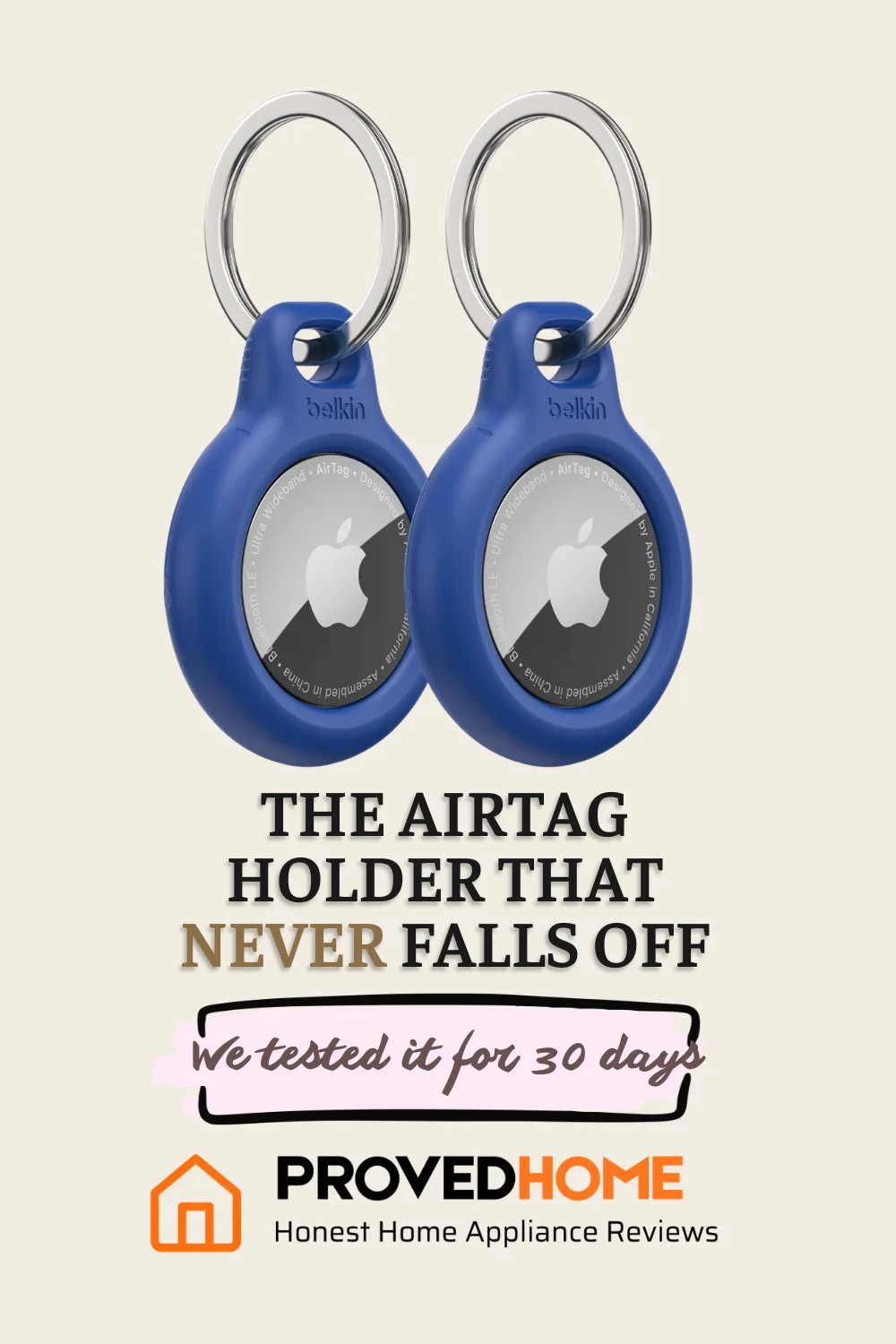
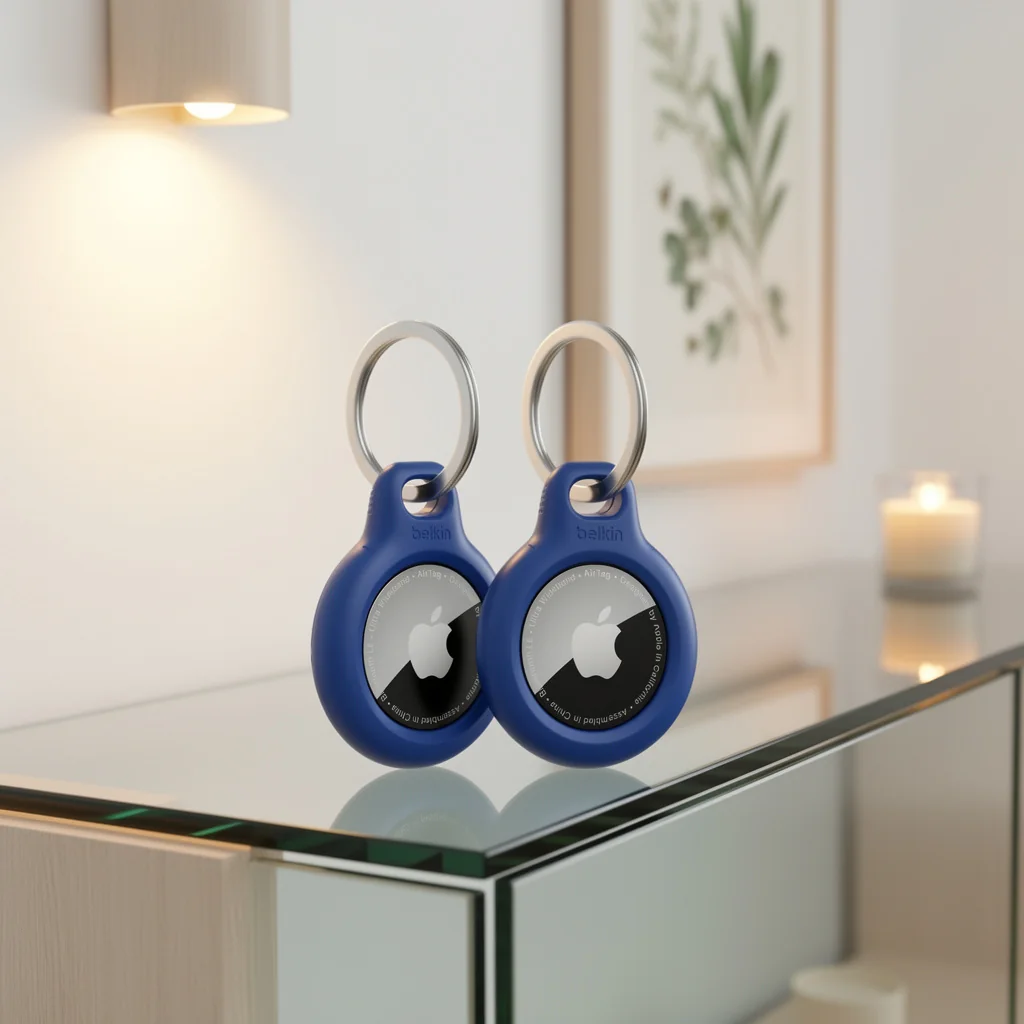
I went with the Belkin Apple AirTag Secure Holder with Key Ring because I trust Belkin products and didn’t want to spend significantly more for Apple’s branded version. The twist-and-lock design sounded secure, the raised edges promised scratch protection, and the open-face construction meant the AirTag could still communicate clearly with my iPhone. After six months of daily use clipped to my car keys, I’ve learned exactly where this holder delivers and where it falls short.
Six Months In: The Good Stuff
The twist-lock mechanism actually works. I’ve had this holder on my car keys for six months now, and the case has never slid open accidentally. That’s not a small thing when you consider how much abuse keychains take—tossed in bags, dropped on concrete, jangled against other keys dozens of times a day. The holder stays shut through all of it, which means your AirTag isn’t going to pop out and disappear the one time you actually need to track something.
The attachment to the key ring itself is equally solid. Owners consistently report that it attaches to keys without coming loose, and I’ve found the same. The metal ring is sturdy enough that I don’t worry about it bending or breaking, and the holder doesn’t spin around constantly like some cheaper options do. The design is sleek and visually appealing—it doesn’t look like you strapped a chunk of plastic to your keys. Belkin offers this in four color options, so you can match it to your style or just pick something that stands out when you’re searching through a bag.
Installation was straightforward once I figured out the twist mechanism. You align the AirTag with the holder, drop it in, and twist the top piece to lock it in place. The raised edges protect the AirTag from scratches while the open-face design keeps the speaker and sensors unobstructed. Real-world testing shows the AirTag communicates just as effectively inside this holder as it does naked, which matters when you’re trying to locate your keys from across a house or parking garage.
The Frustrating Parts Nobody Talks About
Here’s the deal-breaker for some people: changing the AirTag battery is an absolute nightmare with this holder. One Amazon reviewer put it bluntly—you’ll need three hands, pliers, a key, a knife, and a lot of luck to get it open. That’s not an exaggeration. The same twist-lock design that keeps your AirTag secure during normal use becomes a frustration when you need to access the battery after a year of use.
The open-face design is a double-edged sword. Yes, it keeps the AirTag’s speaker and sensors unobstructed, but it also leaves a portion of the tracker exposed. If scratch resistance is your priority, this holder only delivers partial protection. The raised edges help, but they don’t create a fully enclosed case. If you’re attaching this to luggage or something that gets thrown around regularly, you’ll see wear on the exposed section of the AirTag over time.
The price point is higher than Apple’s own branded holder, which some owners find hard to justify. You’re paying for the Belkin name and the specific twist-lock design, but if you’re just looking for basic AirTag protection, cheaper options exist. The holder is thin and durable, but it’s still plastic—it doesn’t feel premium in hand the way a leather or metal option might.
This site contains affiliate links. If you purchase through our recommendations, we may earn a small commission at no extra cost to you.
What I Like
- Secure attachment that doesn’t fail: The twist-lock design and key ring connection stay solid through months of daily abuse
- Sleek profile: Doesn’t add bulk to your keychain or look like an afterthought
- Reliable protection during normal use: Raised edges and durable construction keep the AirTag safe from everyday scratches and drops
- Clear AirTag communication: Open-face design doesn’t interfere with tracking accuracy or speaker volume
Where It Disappoints
- Battery replacement is a multi-tool ordeal: The secure design that protects your AirTag becomes a major hassle when you need to swap the battery
- Partial exposure leaves AirTag vulnerable: The open-face construction means scratches can still reach the tracker’s surface
- Higher price than Apple’s option: You’re paying more for the Belkin brand without a clear functional advantage
- Installation learning curve: First-time setup can be frustrating until you understand the twist mechanism
The Bottom Line After Months of Use
The Belkin AirTag Secure Holder delivers on its core promise: it keeps your AirTag attached to your keys without coming loose. The twist-lock design works, the holder looks good, and it doesn’t add noticeable bulk. If you need a reliable way to track your keys, bags, or other items, this holder does the job.
But that battery replacement issue is real. If you’re someone who values easy maintenance, the difficulty of accessing the AirTag when the battery dies will frustrate you. The open-face design also means you’re not getting full scratch protection, which matters if you’re attaching this to luggage or gear that takes a beating.
I’d recommend this holder if you prioritize secure attachment and don’t mind wrestling with it once a year for battery changes. If easy access is more important to you, look at holders with simpler opening mechanisms. For everyday key tracking where the holder stays put and you rarely need to open it, the Belkin option is solid.
Frequently Asked Questions
1. Is AirTag worth it, yes or no?
Yes, AirTags are worth buying. The Apple AirTag tracks keys, bags, or luggage through Apple’s Find My network with reliable range, a loud speaker, and precision finding. The price remains affordable at $29 for one or $99 for a four-pack. If you’re new to AirTags, the tracking capability and integration with Apple devices make it an easy recommendation.
2. How do I open the Belkin AirTag holder to change the battery?
Opening the Belkin holder for battery replacement requires significant effort. Owners report needing pliers, a key, or a knife to twist the locking mechanism open after months of use. The same secure design that prevents accidental opening makes intentional access difficult. Plan for a frustrating experience and consider whether this tradeoff works for you before buying.
3. Does the Belkin holder protect the AirTag from scratches?
The holder provides partial scratch protection through raised edges and durable construction, but the open-face design leaves a portion of the AirTag exposed. You’ll get protection during normal keychain use, but if you attach this to luggage or gear that gets thrown around, the exposed section will show wear over time. For full scratch protection, you’d need a fully enclosed case.
4. Will the Belkin holder interfere with AirTag tracking accuracy?
No, the open-face design keeps the AirTag’s speaker and sensors unobstructed. Real-world testing shows the AirTag communicates just as effectively inside this holder as it does without a case. You won’t experience reduced tracking range or muffled speaker volume, which matters when you’re trying to locate your keys across a house or parking garage.
Also see our related review for a broader perspective on this product category.